Automate your grading workflow with the API

Everything you can do in the UI, you can do via the API. Set up autograding at scale, manage courses across sections, and pull data when you need it.
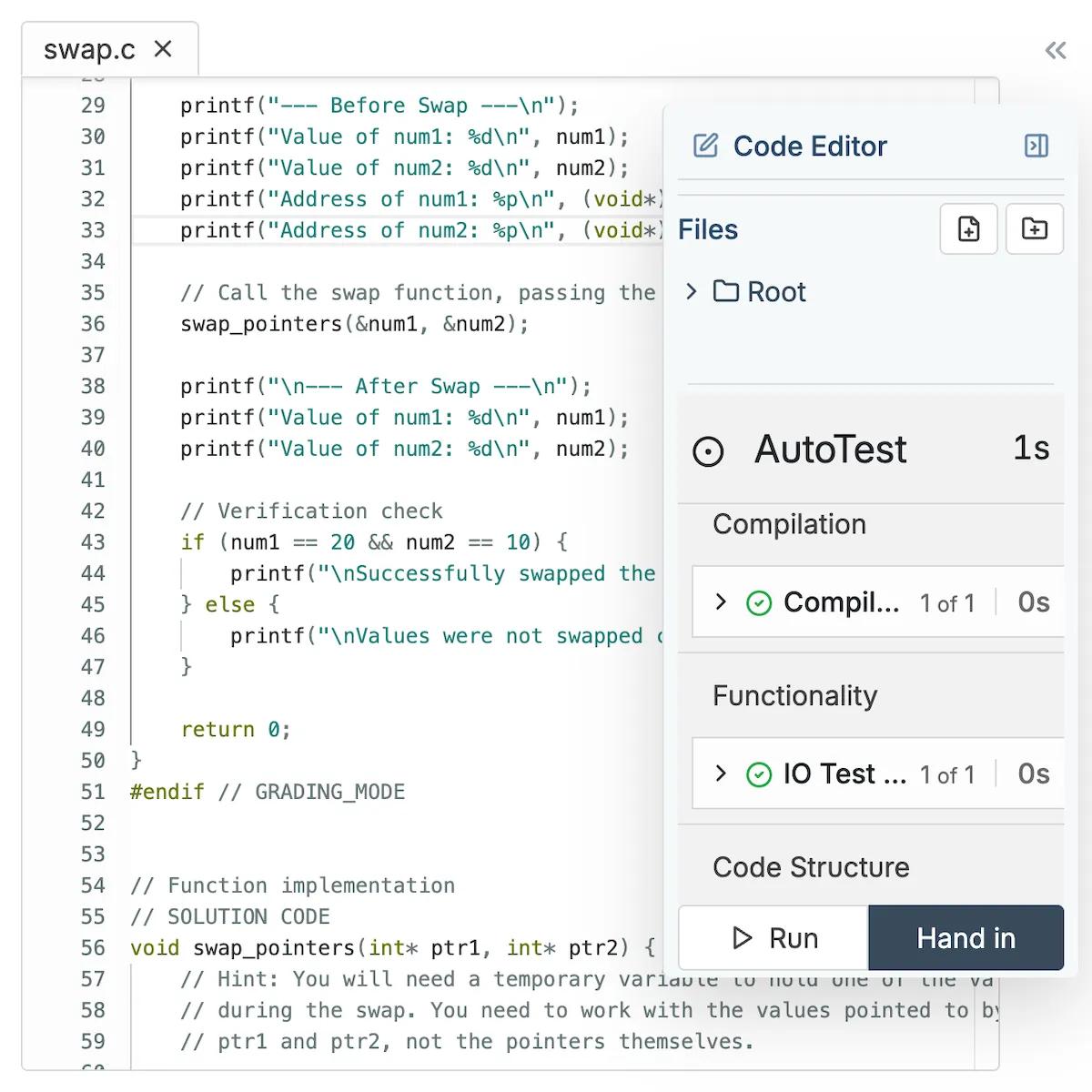
CodeGrade's Python online IDE with AutoTest panel providing instant feedback on a madlibs assignment.CodeGrade AutoTest results for a Jupyter Notebook, detailing IO tests, code structure, and overall score.

1. Everything you can do in the UI, you can do via the API

CodeGrade's REST API covers the full platform: assignments, submissions, grades, rubrics, users, and courses. If you're the kind of professor who'd rather write a script than click through 15 sections of the same setup, the API is built for you.
  • Create, configure, and manage assignments and autograding programmatically
  • Manage enrollments and user roles across courses
  • Full REST API with complete documentation at python.api.codegrade.com
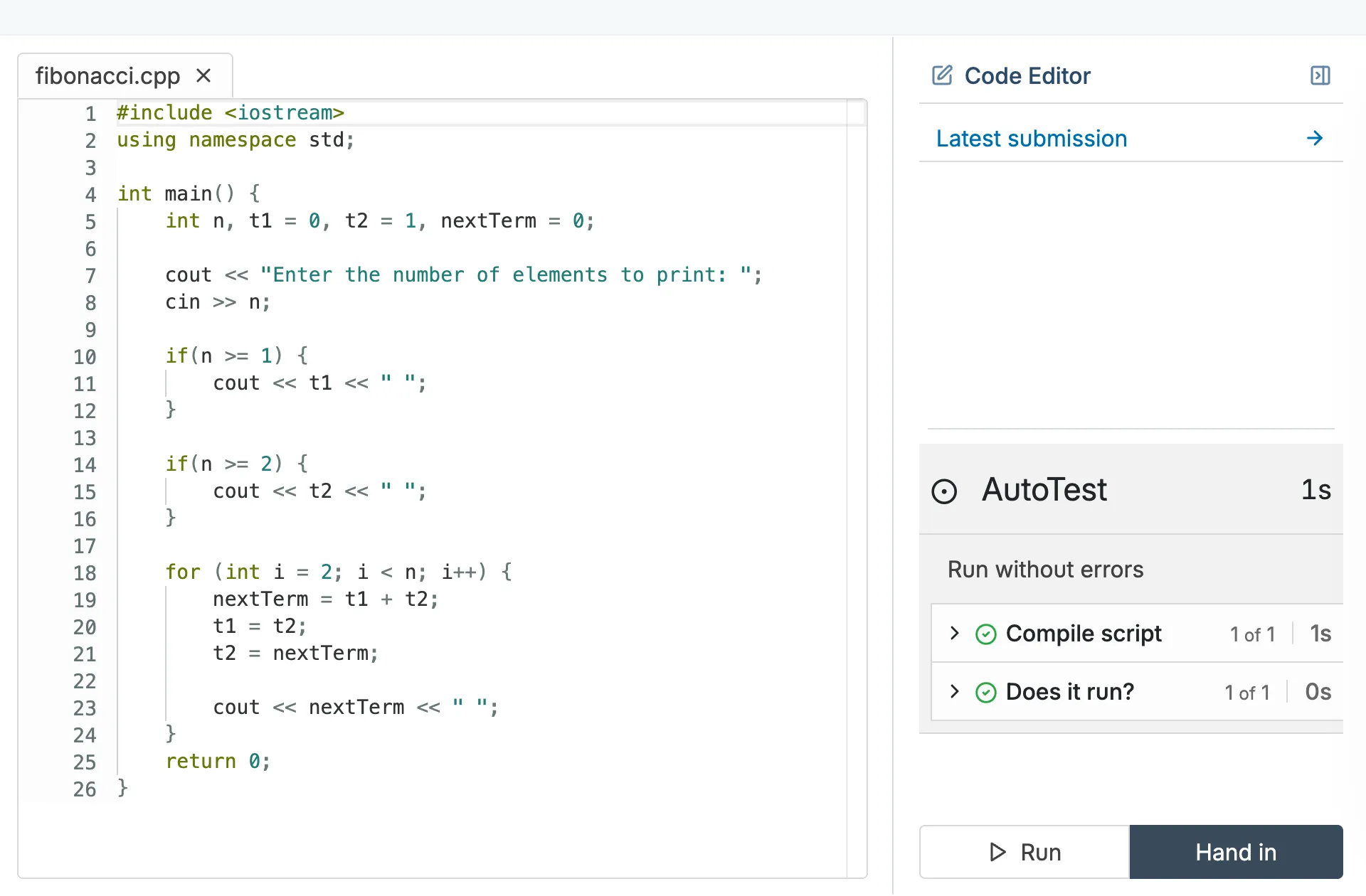
CodeGrade AutoTest results displaying detailed scoring for functionality, style, and custom checks.

2. Set up autograding across sections in minutes

Teaching the same course across multiple sections means duplicating assignments, test configurations, and rubrics every semester. With the API, write a script once and run it every time. Clone assignments, configure autograding, and set deadlines across all your sections in a single run.

  • Clone assignment configurations across any number of sections
  • Set up autograding tests, rubrics, and deadlines programmatically
  • Run the same setup script every semester instead of repeating manual work

3. Pull grade and submission data into your own tools

Need to analyze how your class performed, track pass rates across semesters, or feed grades into a department report? The API lets you pull submission data, grades, and rubric scores in whatever format works for your workflow.

  • Export grades, submission metadata, and rubric scores via the API
  • Use Python, TypeScript, or any language that speaks REST
  • CS-graduate support team available if you need help building your integration
CodeGrade analytics showing rubric statistics for a Python assignment, including mean scores for various criteria.

Connect CodeGrade to the tools you already use.

Native LMS integration, GitHub workflows, and a full REST API. No separate accounts, no extra steps.

Discover how institutions use CodeGrade to improve their coding courses

Patrick Totzke

Full Professor

I have many students expressing how amazing it is to use CodeGrade for their submissions!

Kevin McDonnell

CS Undergraduate Program Director

"That's one thing I really like about CodeGrade - how seamlessly all the pieces work together."

Edward Hartono

Assistant Professor of Management Information Systems

“I believe that the best way to learn programming is by just doing it. And so, we give them unlimited attempts to complete assignments.”

Frequently Asked Questions

More features

Circular gear with a checkmark, representing automated code grading.
The most powerful autograder
Grade code automatically across 175+ languages. Start free.
> Learn more
Icon of a cat representing GitHub platform for coding and programming collaboration.
GitHub Integration
Push code, not buttons.
> Learn more
Puzzle pieces interlocking, indicating code integration in programming projects.
CodeGrade lives inside your LMS
Native integration with Canvas, Blackboard, Moodle, and Brightspace. Students open an assignment and start coding. Grades sync back automatically.
> Learn more

Get started today and unlock the power of CodeGrade.