Rubrics that connect to your autograder
Build rubrics with discrete or continuous categories. Auto-fill scores from autograder results. See rubric statistics across the class.

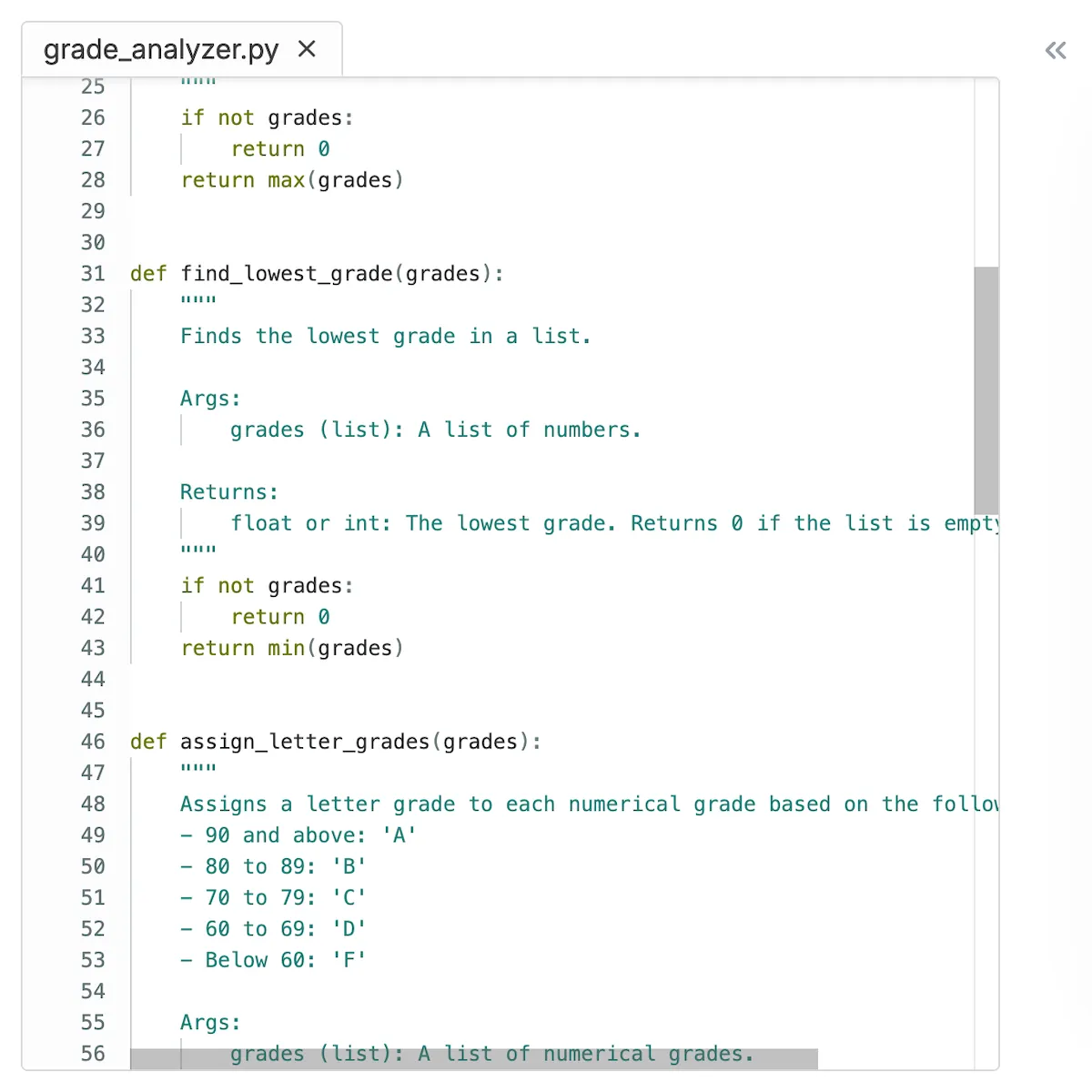

Build rubrics with discrete or continuous categories. Auto-fill scores from autograder results. See rubric statistics across the class.
Most rubric tools are fully manual. CodeGrade's rubrics connect to the autograder, so categories can be auto-filled based on test results. If the autograder checks for code style, edge case handling, and output correctness, the rubric reflects those scores automatically. You still add manual categories for things like code readability or design decisions.


Not every criterion fits a simple "pass or fail." CodeGrade supports two rubric types: discrete categories with fixed levels (Excellent, Good, Needs Work) and continuous categories with sliding scales for more nuanced scoring. Use both types in the same rubric.
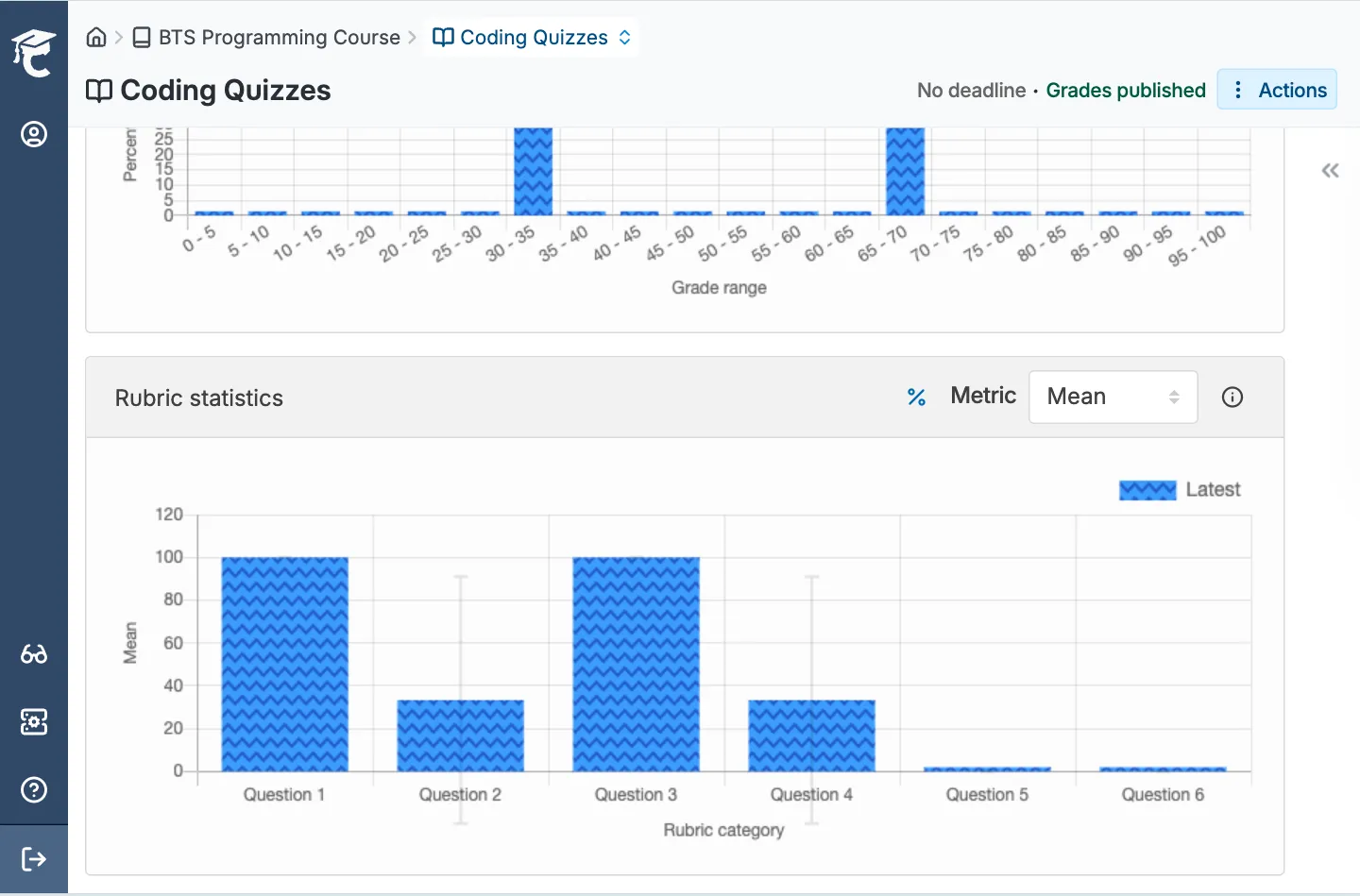
After grading is complete, CodeGrade shows rubric statistics across the entire class. See which criteria students scored well on and which ones tripped them up. Use the data to adjust your teaching, not just to assign grades.
Automatic grading, structured rubrics, and manual review tools that work together. Free for up to 50 students.




.png)
December 17, 2024
Best Practices for Rubric Design in Coding Assignments
January 16, 2025
Setting Up a C++ Course at Ivy Tech Community College


