Leave feedback where it matters: on the code itself
Stop writing the same feedback on every submission. Comment on the code, save it as a snippet, reuse it all semester.

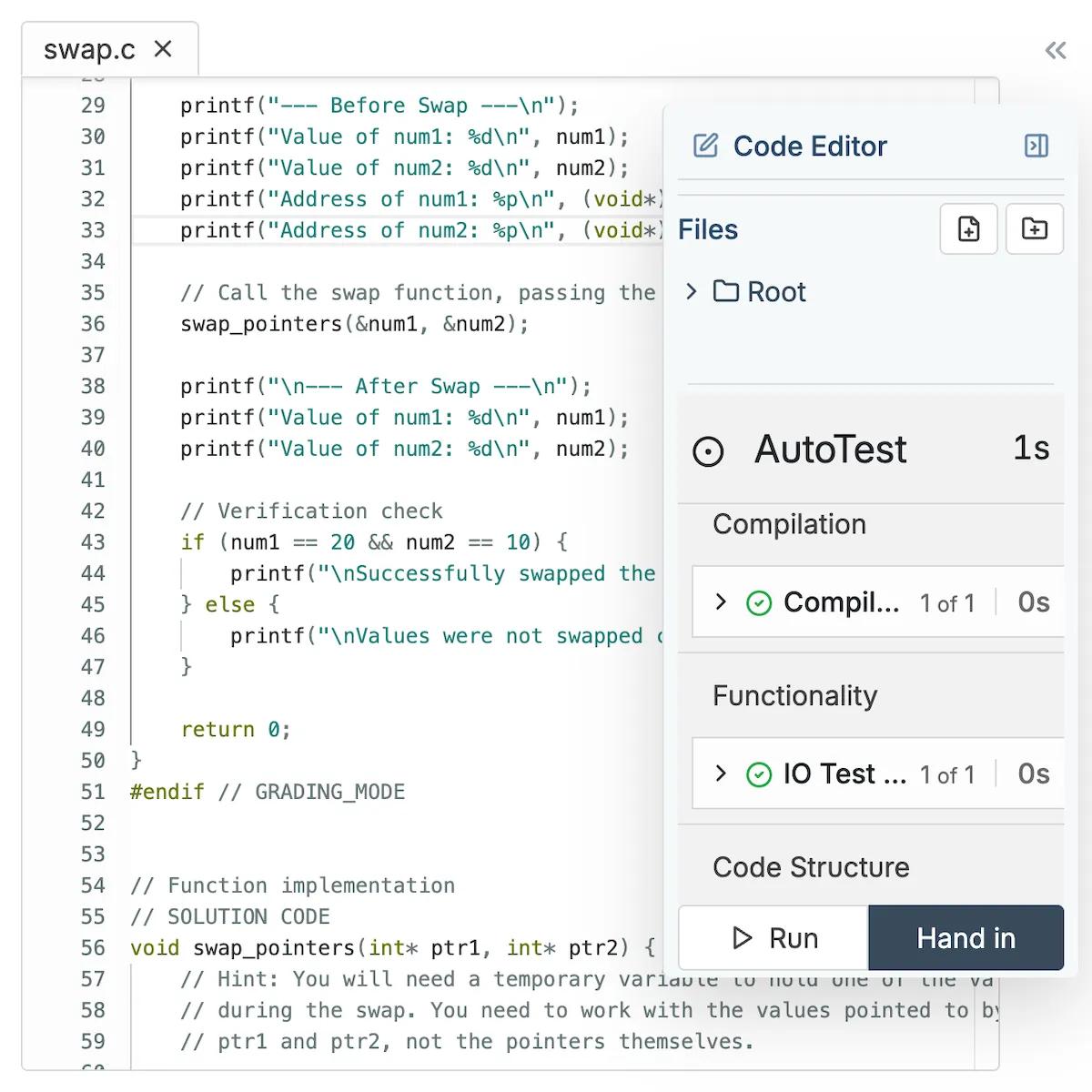

Stop writing the same feedback on every submission. Comment on the code, save it as a snippet, reuse it all semester.
Telling a student "check your loop logic" in an LMS comment box doesn't help when they don't know which loop you mean. Inline comments let you click on any line of a student's code and leave feedback right there. Students see your comment attached to the exact code you're referencing.
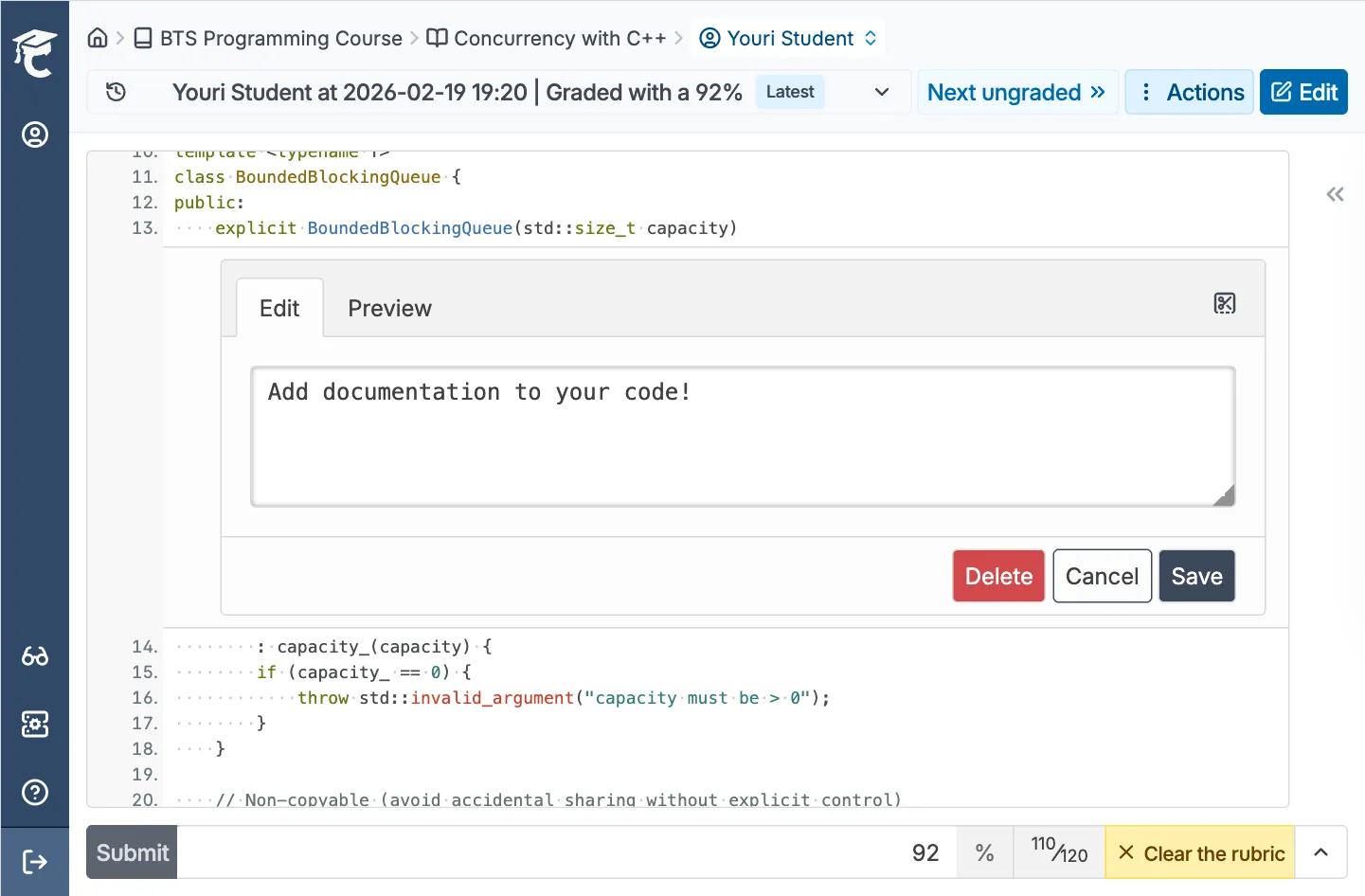
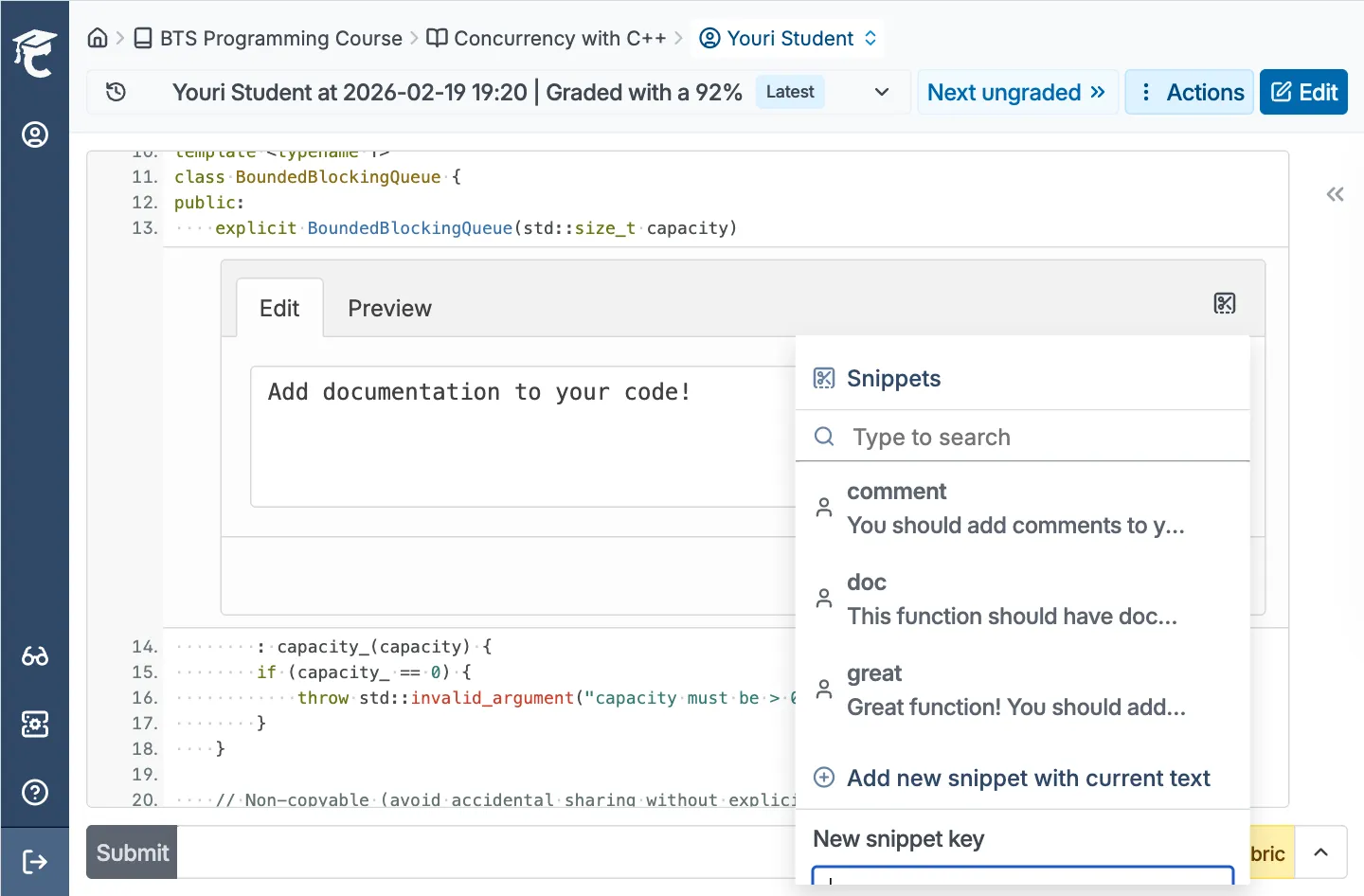
Every instructor knows the feeling: typing "use meaningful variable names" on submission after submission. Snippets let you save your most common feedback and apply it with tab autocomplete. Build a library of comments once, reuse them all semester. Share snippets across your teaching team so TAs give the same quality feedback you would.
CodeGrade's review interface works like a code review tool, not a grading portal. You see the student's code with syntax highlighting, navigate between files, and leave comments inline. If you've used GitHub PRs or GitLab merge requests, you already know how this works.
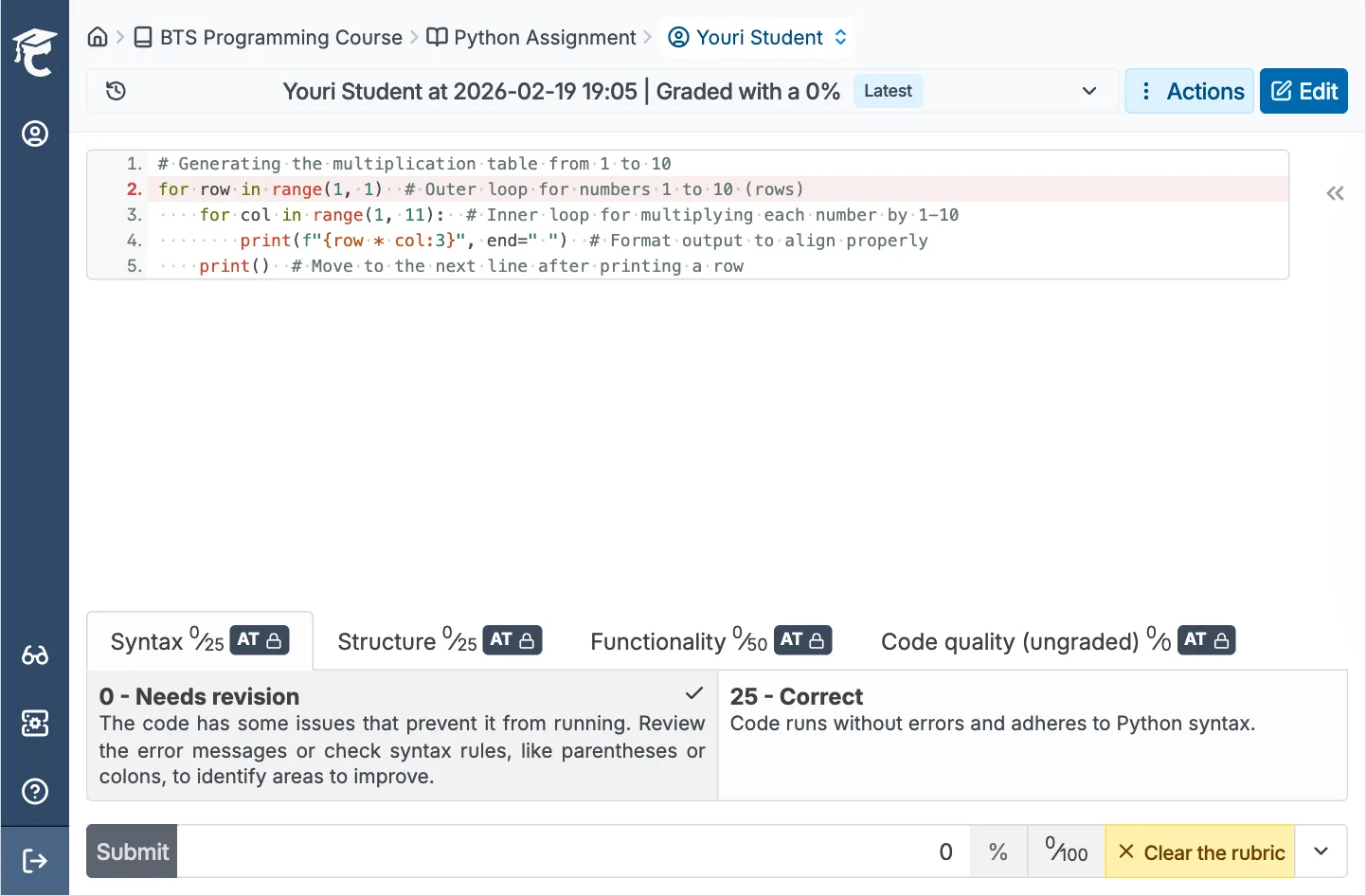
Inline comments, peer code feedback, and an AI assistant that works on your terms. All in one place.


.png)
December 17, 2024
Best Practices for Rubric Design in Coding Assignments


.png)